
 es
 fr
 de
 nl
 en
 it
 pt
 ro
 sv
 ru
 hr
 da
 si
 pl
 no
 cs
 fi
 el
 sr
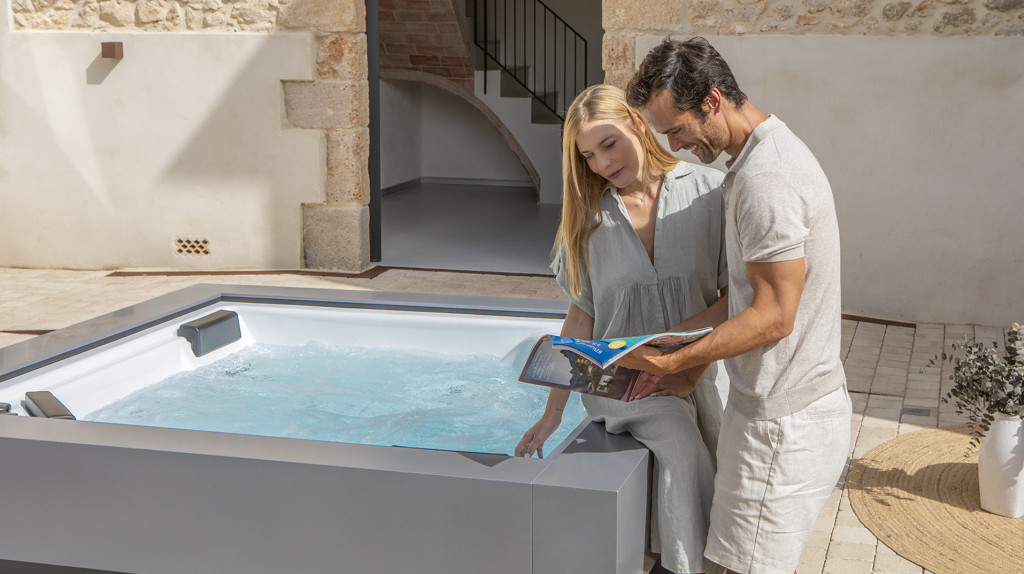
Finding your hot tub serial number is essential for registering your Aquavia spa, accessing after-sales support and identifying compatible replacement parts. Discover where to locate it and why registering your spa offers valuable benefits.
Step 1: Locate the serial number label
To see where to find the serial number (SN) on Aquavia spas, watch this short video: Where to find the serial number on your Aquavia spa.
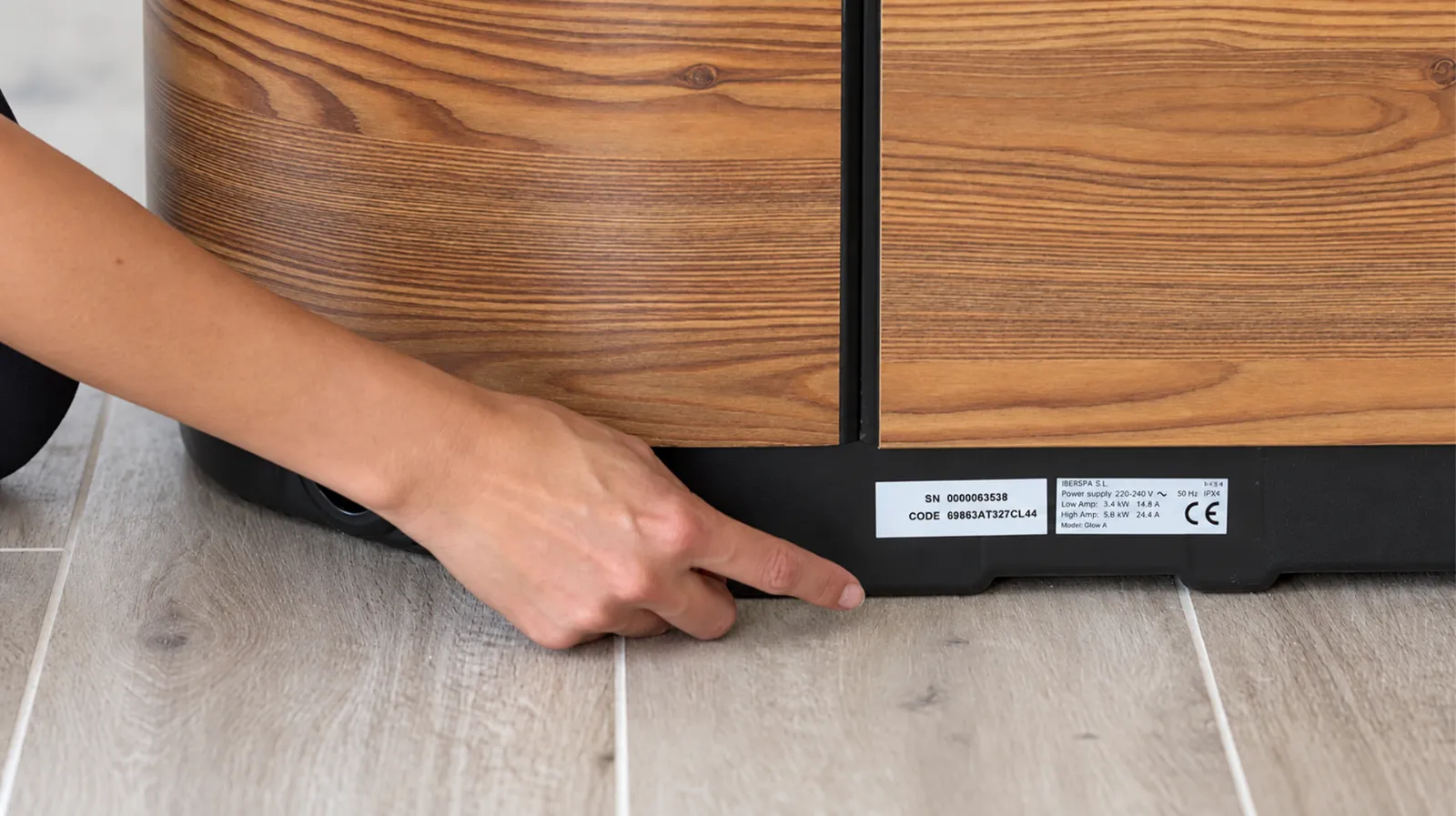
On Aquavia spas, the identification information is located on the lower base of the spa. Look for the initials “SN”, which identify the serial number of your individual spa, and “Code”, which marks the specific product code.
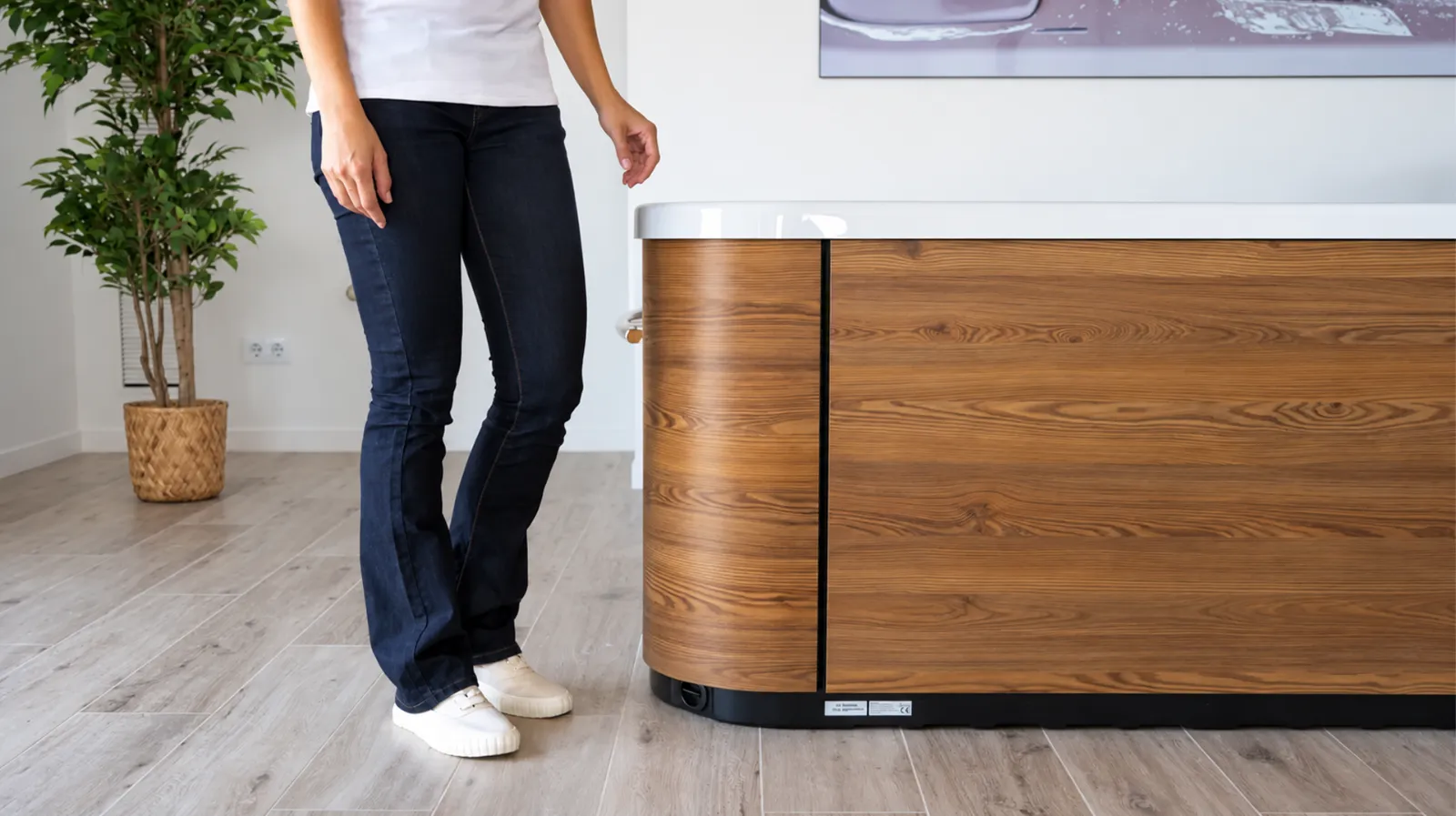
Understanding the spa serial number location is particularly useful when you need to register your hot tub, request technical assistance or identify your product accurately.
The same area on the bottom of the spa also displays the electrical power required by the product. Check this information to help ensure that the installation has a suitable electrical supply.
Serial number versus product code
The serial number, marked “SN”, identifies your individual spa; the product code, marked “Code”, provides an additional product reference like features. Note both exactly as printed.
Although these identifiers are related, they serve different purposes. The hot tub model number or product reference helps identify the type of spa and its configuration, while the serial number distinguishes your individual unit.
These details help Aquavia or your authorised dealer identify the spa when handling replacement parts, technical support, product registration or a warranty claim.
Step 2: Note down the serial number and product code
Record both the SN and Code exactly as printed on the lower base of the spa, including any letters, digits and separators.
For additional convenience, take a clear photograph of the identification label and store it somewhere accessible. This simple precaution can save time if you need to consult the information in the future, particularly once your spa has been installed in its final location.
Keep the SN, Code, purchase date, dealer details and any installation documentation together. Having the correct product identifiers readily available can make technical assistance, spare-part identification and warranty enquiries more efficient.
Step 3: Go to the Aquavia «Register your spa» page
Registering your hot tub is an important step to make the most of your Aquavia Spa experience. Visit the official Aquavia Spa website and access the register your hot tub page to complete the registration process.
By registering your spa, you can access exclusive benefits and enjoy a more personalised after-sales experience. Registration also helps Aquavia Spa identify your product, making it easier to provide technical assistance, manage warranty enquiries and support you throughout your spa's lifetime.
Completing your hot tub warranty registration is a proactive way to organise essential ownership information from the beginning. Rather than searching for product details when an issue arises, registration creates a reference associated with your spa and its owner.
Step 4: Fill in the form with your serial number and purchase details
Enter your contact details, product identification and purchase information as requested by the form. Review spelling and formatting carefully before submission.
Use accurate information about the retailer and purchase date; do not guess if a field is unclear. If the registration page reports an error, capture the message and contact Aquavia support or your authorised dealer instead of repeatedly changing the serial number.
Step 5: Confirm your registration and enjoy the benefits
Once you have submitted the registration form, you will receive a confirmation email confirming that your Aquavia Spa has been successfully registered. Keep this email together with your purchase invoice and warranty documentation for future reference. If you receive no confirmation, ask the official support team how to verify your register hot tub request.
Registration helps create a more convenient ownership experience. With your product information properly recorded, future enquiries about your spa can be handled more efficiently, whether they concern maintenance, technical assistance or warranty matters.
When you need technical support
If your hot tub requires professional assistance, Aquavia Spa offers a dedicated technical support service to help owners resolve technical issues.
Provide the model, serial number, symptoms and any error message to the authorised support team. Explain when the issue began and whether the spa has been serviced recently. Do not attempt electrical repairs or bypass safety systems yourself.

Over time, your spa may require replacement components as part of its maintenance. Identifying the correct product is essential to ensure compatibility and preserve its performance.
Having your SN and Code available helps the technical team identify the correct product and determine which replacement parts may be suitable.
Finding where is the serial number on a hot tub is therefore more than an administrative step: correct identification supports safer service, more precise advice and efficient ownership throughout the life of the product.
Next steps
Make the most of your Aquavia Spa ownership experience. Complete the official Aquavia “Register your spa” form using your verified serial number and purchase information. For assistance with identification, technical support or replacement parts, contact your authorised Aquavia distributor.
Don't miss out on the benefits of registering your Aquavia Spa. Complete the process and enjoy greater peace of mind from day one.


